


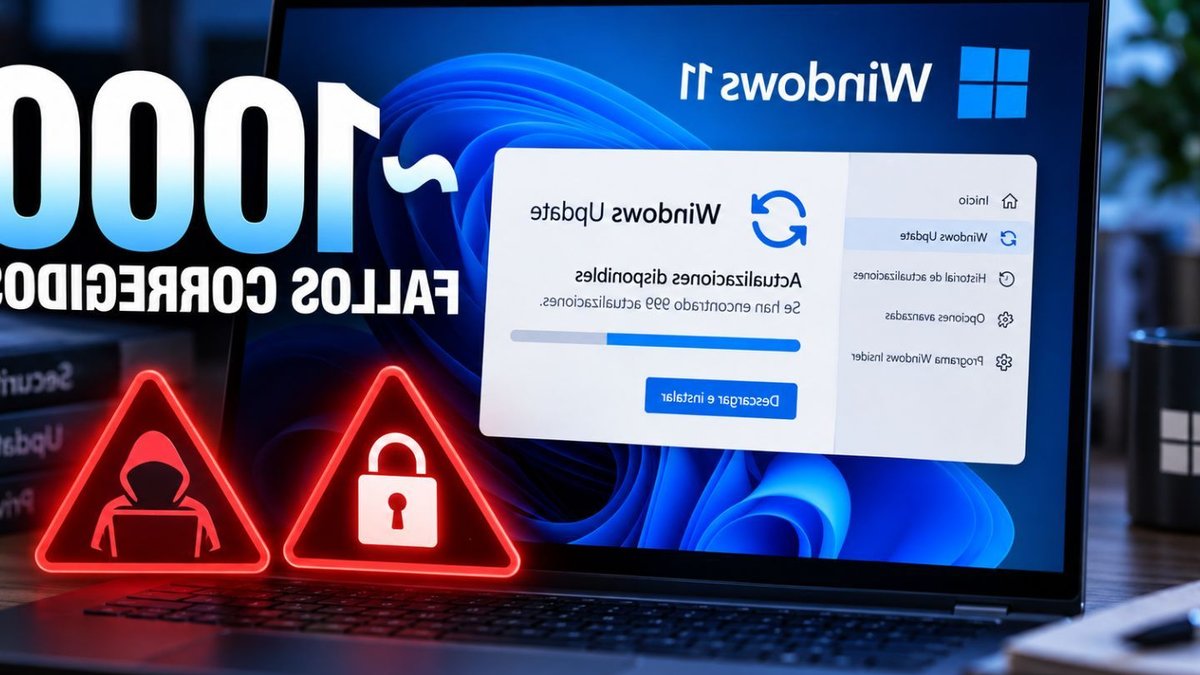
Microsoft addressed nearly 1,000 security vulnerabilities in its September updates, but two flaws demanded immediate attention. Both were already being exploited before fixes became available, allowing attackers to escalate privileges to full system control. The updates, released as part of Patch Tuesday, include fixes for CVE-2026-85880 in Windows ALPC and CVE-2026-81963 in the Windows Update Stack, both capable of granting SYSTEM-level access—the highest privilege tier in Windows. Microsoft’s classification of these as zero-days—meaning they were either publicly disclosed or actively exploited before patches existed, reflects the urgency of the situation.
CVE-2026-85880 exploits a buffer overflow in Windows ALPC, a communication mechanism between processes. Researchers found that an attacker with limited code execution in an AppContainer—a restricted environment for applications, could leverage this flaw to escape those restrictions and gain SYSTEM privileges. SecurityWeek noted that this type of attack is particularly effective because it allows an attacker to bypass sandbox protections, which are designed to contain malicious activity.
The second flaw, CVE-2026-81963, stems from improper handling of file links in the Windows Update Stack, enabling privilege escalation if an attacker already has a foothold in the system. Microsoft confirmed that this issue arises from inadequate resolution of symbolic links before file access, a design flaw that could be exploited locally by an attacker with existing privileges.
Read Also: Brussels to Let Cities Ban Airbnb Immediately
These vulnerabilities were not hypothetical risks. Microsoft confirmed they were either publicly disclosed or actively exploited before patches were released. SYSTEM-level access poses severe threats, as it bypasses administrative safeguards, allowing attackers to modify core system components, install persistent malware, or disable security tools. Unlike standard administrative rights, SYSTEM privileges operate at the kernel level, making them highly desirable for ransomware or espionage operations. The ability to rewrite registry keys or deploy backdoors at this level means attackers can maintain control over a compromised system indefinitely.
How SYSTEM privileges enable deep system takeover
Windows operates on a tiered permission system, with SYSTEM representing the highest level. Normal users and even administrators cannot alter critical system files or services without SYSTEM access. An attacker exploiting CVE-2026-85880 could escalate from a sandboxed application to full control, while CVE-2026-81963 takes advantage of a design flaw in how Windows processes file links, a common tactic in supply-chain attacks. This makes it a critical target for threat actors looking to escalate their privileges undetected.
The fixes for these flaws arrived on September 8, distributed through standard Windows Update channels. For Windows 11 users running versions 24H2, 25H2, or 23H2, the updates are included in KB5124008 and KB5122880. Windows 10 users on supported versions receive KB5122878. These patches are cumulative, replacing older updates rather than supplementing them. To verify if these updates are installed, users can handle to Settings > Windows Update > Check for updates and ensure the latest cumulative security updates are applied. The process may require a system restart, which is necessary for the patches to take full effect.
Read Also: Alcaraz faces Paul in US Open showdown
Why these patches demand immediate action
Ensuring systems are protected is critical, as delays increase exposure to exploitation. SYSTEM-level access allows attackers to rewrite registry keys, deploy backdoors, or neutralize defenses. The urgency of applying these updates cannot be overstated, given the potential for widespread damage if left unpatched. Microsoft’s classification of these as zero-days shows the need for immediate action, as attackers may already be scanning for unpatched systems.
Users should verify their systems are updated through standard channels. To check for pending updates, users can follow these steps: open Start > Settings > Windows Update, select Check for updates, and install any available security updates. A system restart is typically required to complete the installation. Organizations should prioritize patching these vulnerabilities, particularly those with legacy systems or mixed environments, to prevent potential breaches. The active exploitation of these flaws shows the importance of timely updates in mitigating cybersecurity risks.


